Improving user and permission management for WIN Reality
Overview
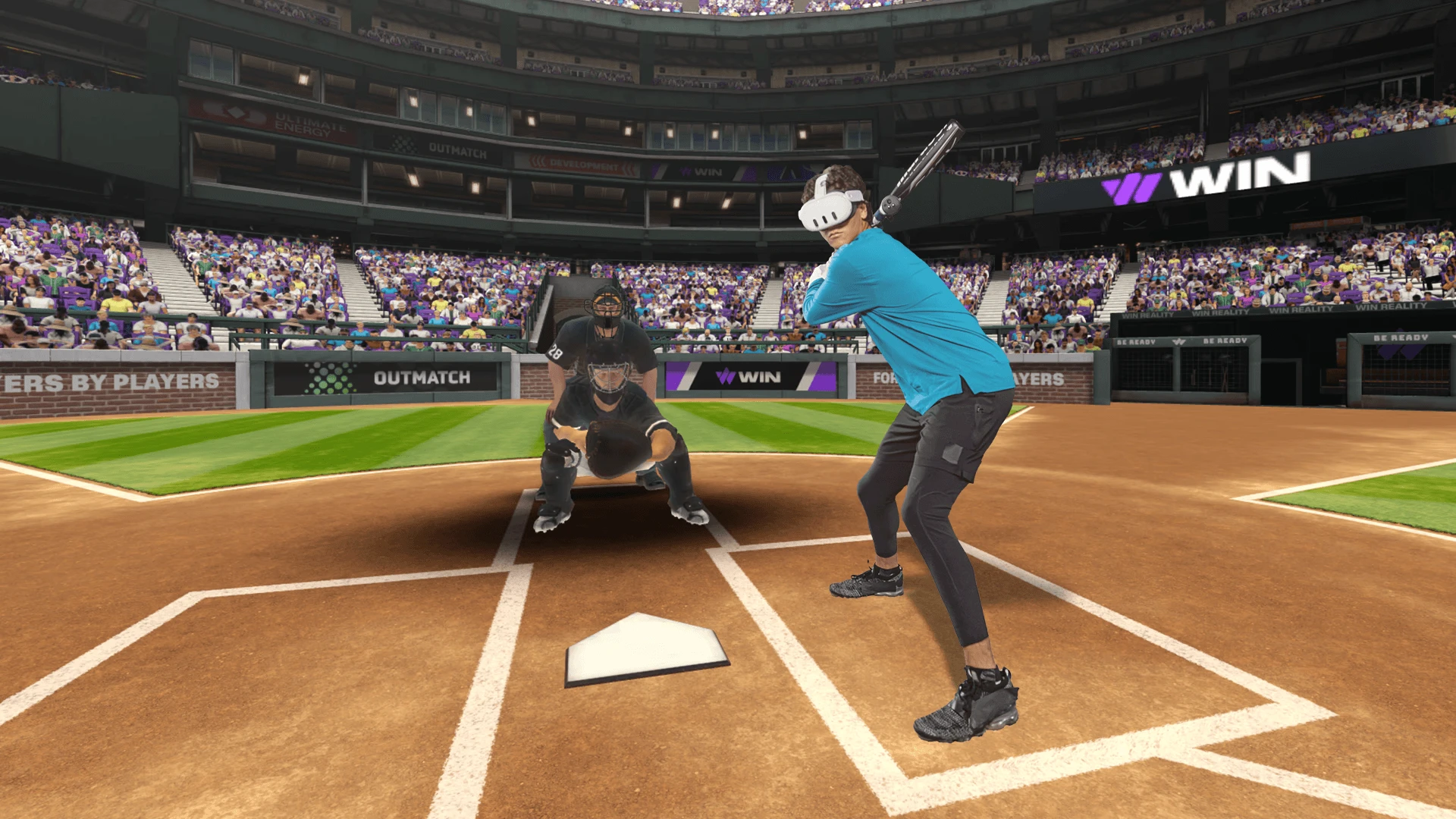
WIN Reality is a VR sports tech startup that uses virtual reality to train baseball and softball hitters, simulating real-life pitching speeds on Meta Quest headsets. I joined WIN Reality as its first product design hire. Their core product is a VR application for Meta Quest. They also sell proprietary equipment for a more immersive experience and offer a companion mobile app with advanced stat tracking. WIN Reality sells subscriptions through the Meta Store and their website, each contributing roughly 50% of revenue.
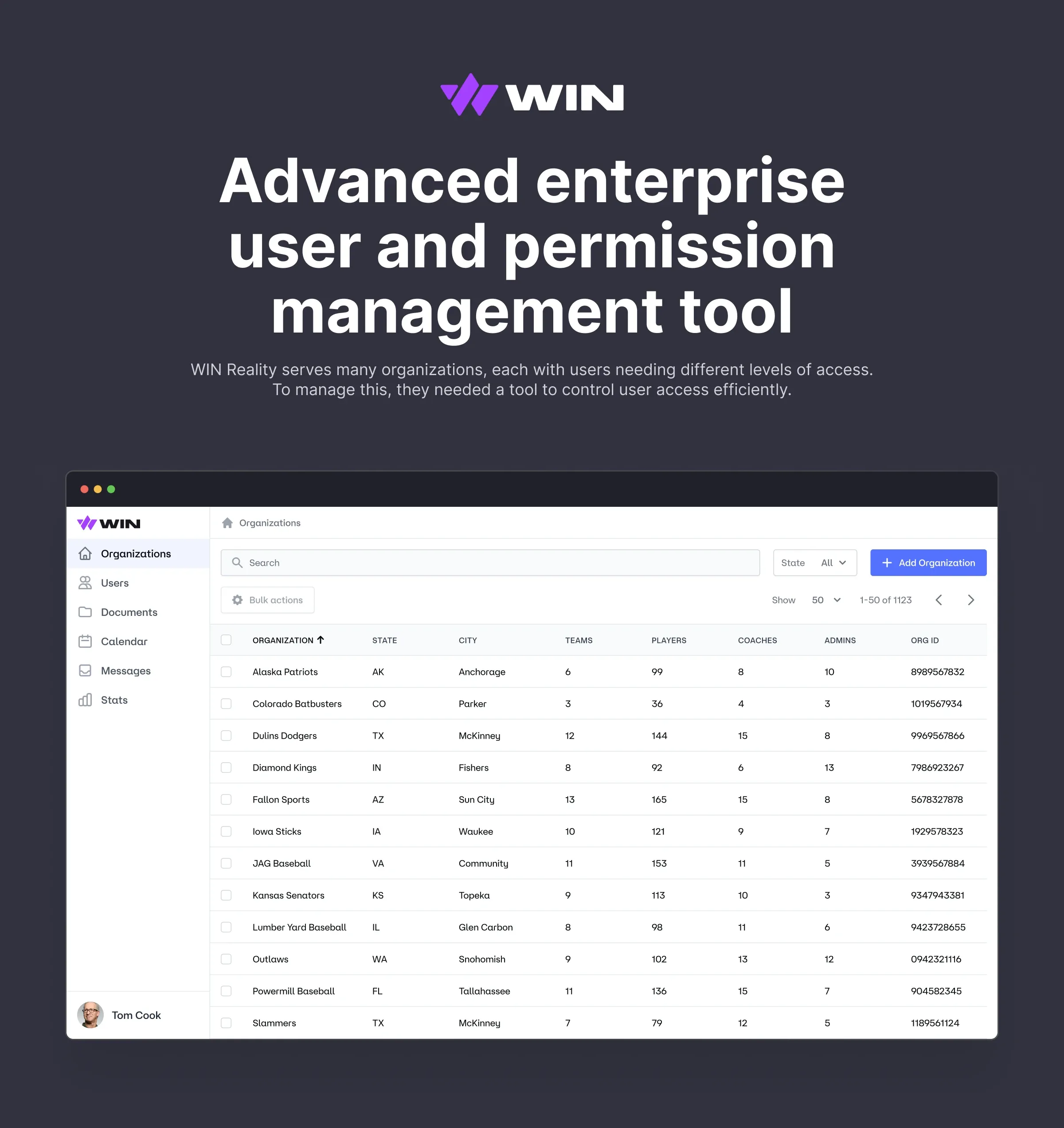
I worked across web, mobile, and VR, focusing on VR app, website optimization, and internal tools. This case study focuses on the development of the enterprise user and permission management tool.
- Company
- WIN Reality
- Year
- 2024
- Website
- winreality.com
- My role
- UI/UX
- Team
- Zack Kopstein – Product Manager
I have omitted and obfuscated some confidential information in this case study.
Goal
WIN Reality began as a solution for professional baseball teams. As the product grew, it expanded to serve travel baseball organizations and individual users as well. For professional teams, user management was handled by customer representatives, but that approach didn't scale to the hundreds of travel ball teams. Therefore, we needed to develop a tool that would allow coaches and admins to manage users and permissions directly, making it practical for a larger, more diverse user base.
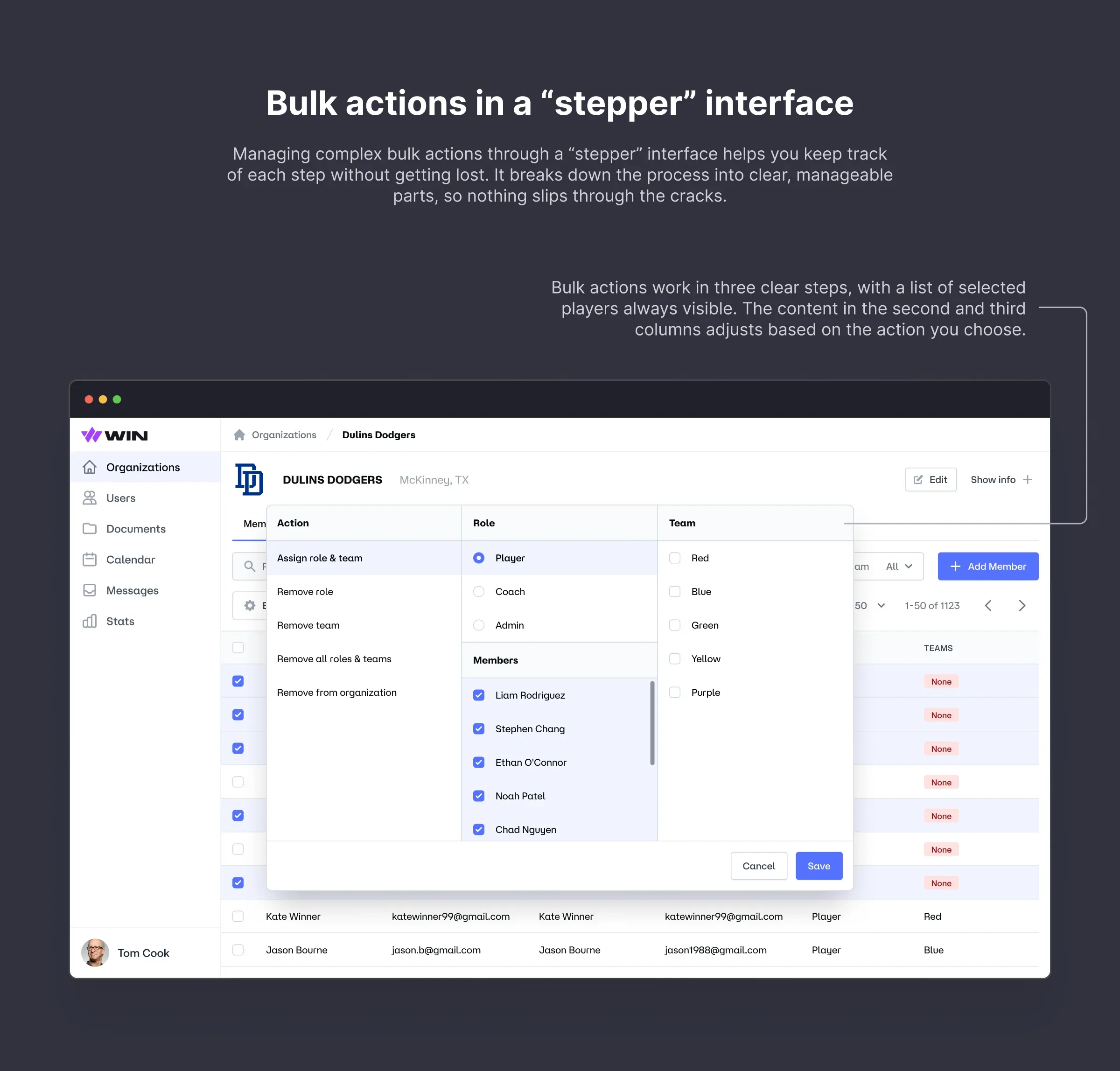
Our goal was to build a tool that would allow both WIN Reality's internal teams and enterprise clients to manage users and permissions.
Travel ball teams are youth sports teams that play in competitive tournaments and leagues beyond their local area. These teams often travel to other cities or states to compete at a higher level. Players are young athletes with strong skills who are serious about competing. They are usually picked through tryouts and play on teams grouped by age, starting around 8 years old up to 18 years old.
Approach
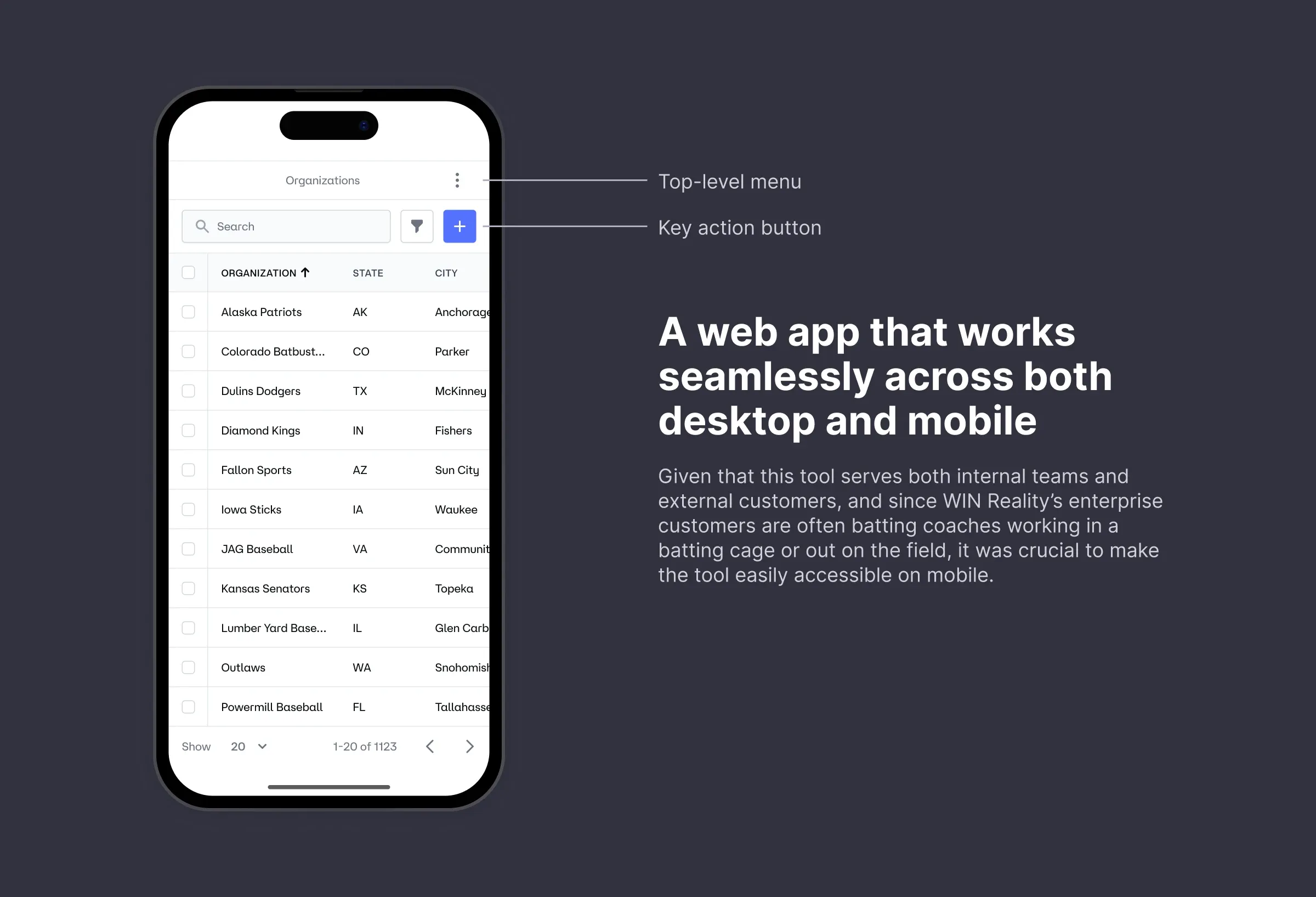
The tool needed to be practical for a diverse user base, including coaches, team owners, players' parents, and team admins. It had to work across various devices, platforms, and operating systems while being intuitive for all users.
We decided to build a web app that works smoothly across desktop and mobile platforms, as well as different operating systems.
Result
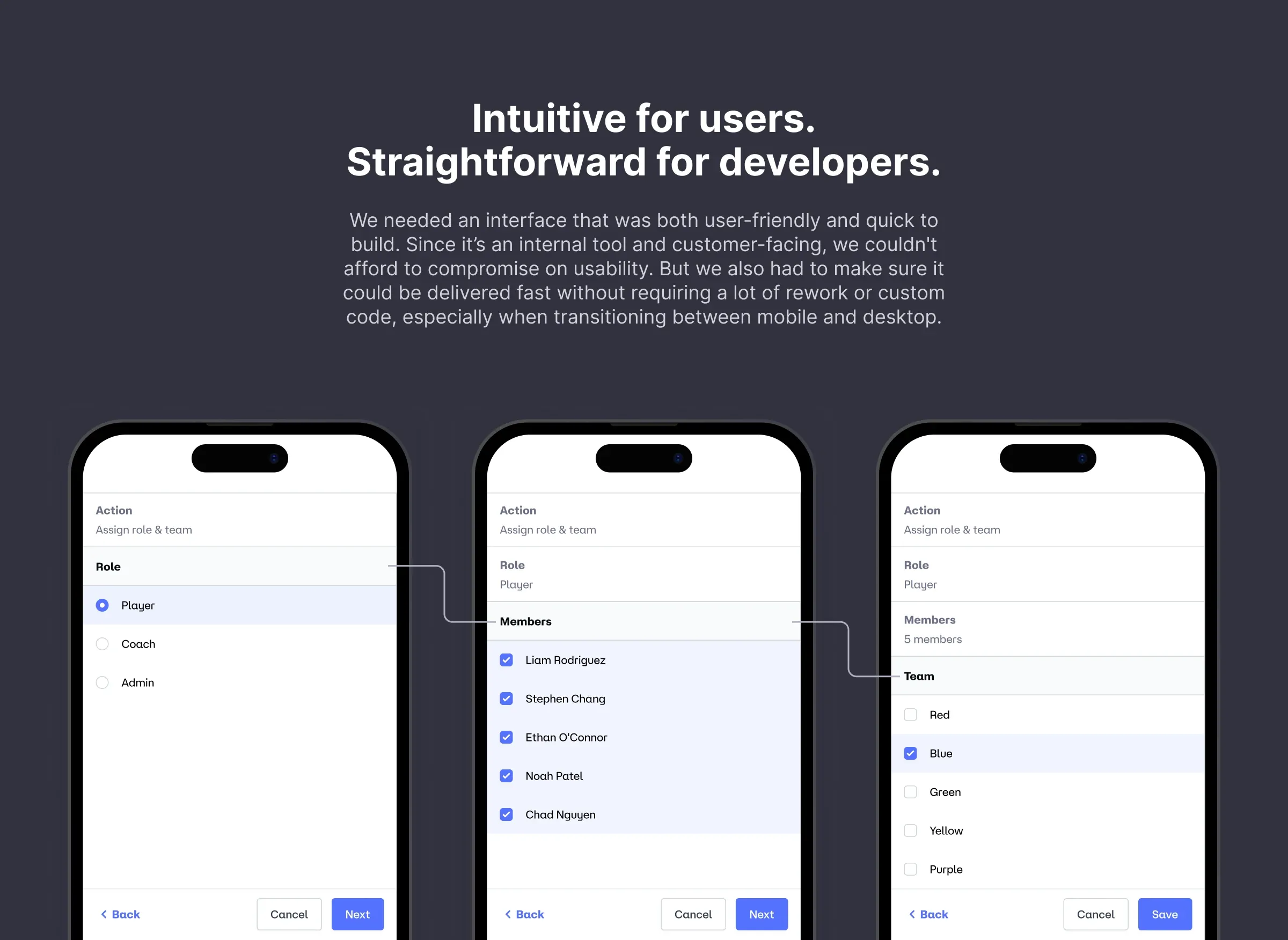
The solution was designed to integrate smoothly across both mobile and desktop platforms with minimal adjustments and custom coding. It balanced user-friendliness with ease of development. I collaborated closely with developers and iterated based on feedback from internal users to meet all goals effectively.
The result was a solution that was both easy to use and fast to develop.