Web app for Mindglow
Overview
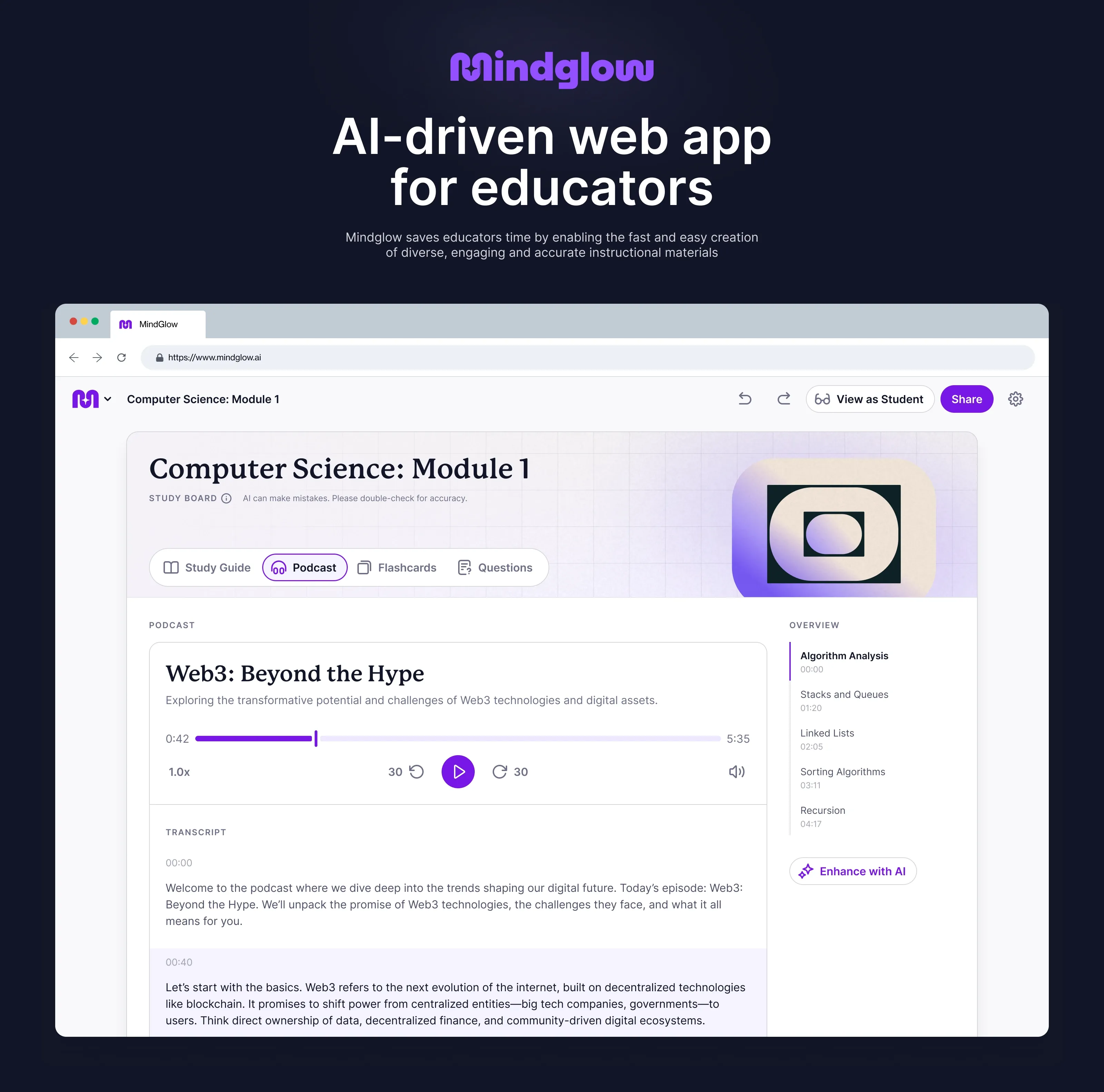
Mindglow is a web app for educators that saves their time by enabling the fast and easy creation of diverse, engaging and accurate instructional materials.
I led the end-to-end design of an AI-driven web app for educators, taking it from concept to launch. I developed the initial product concept, UX and UI, outlining how it works, what problems it solves, and how it fits into educators' workflows.
- Company
- Mindglow
- Year
- 2025
- My role
- UI/UX, Design System
I have omitted and obfuscated some confidential information in this case study.
Problem
We spent several months talking to more than fifty educators, and identified a common set of problems.
Materials had to be aligned to a standard. Everything a teacher handed out had to align with the specific standards for their class – the Common Core, state and district standards, and specific sub-standards that defined what students were expected to know and would be tested on. Doing that by hand, for every worksheet and quiz, was slow and time-consuming.
Engaging materials took more time than teachers had. Teachers needed to produce not just any materials, but materials that would keep students engaged. The materials that could actually hold students' attention are usually richer than plain-text LLM outputs. They need to have visuals, real examples, varied formats, and require additional research. They also often had to be reworked for students who read at different levels or didn't share a first language. Building such materials for every lesson, especially if you weren't teaching the same class last year and can't reuse previous years' materials, requires a lot of time and resources.
The available tools didn't fit the teacher's workflows. Teachers were patching together general-purpose AI tools like ChatGPT and NotebookLM, none of which were built specifically for the classroom. The outputs weren't aligned to the teaching standards and were mostly plain text, and the tools didn't connect to the LMS (Learning Management System), where teachers planned lessons and shared them with students.
Educators don't have time to build course materials that are aligned to standards, engaging, and adapted to every student, so they patch together general-purpose AI tools that weren't made for teaching.
Solution
A teacher's name is on everything they hand out, which means anything we generated had to be accurate, aligned to the standard being taught, and easy to fix when it wasn't. It also had to fit the way teachers already work.
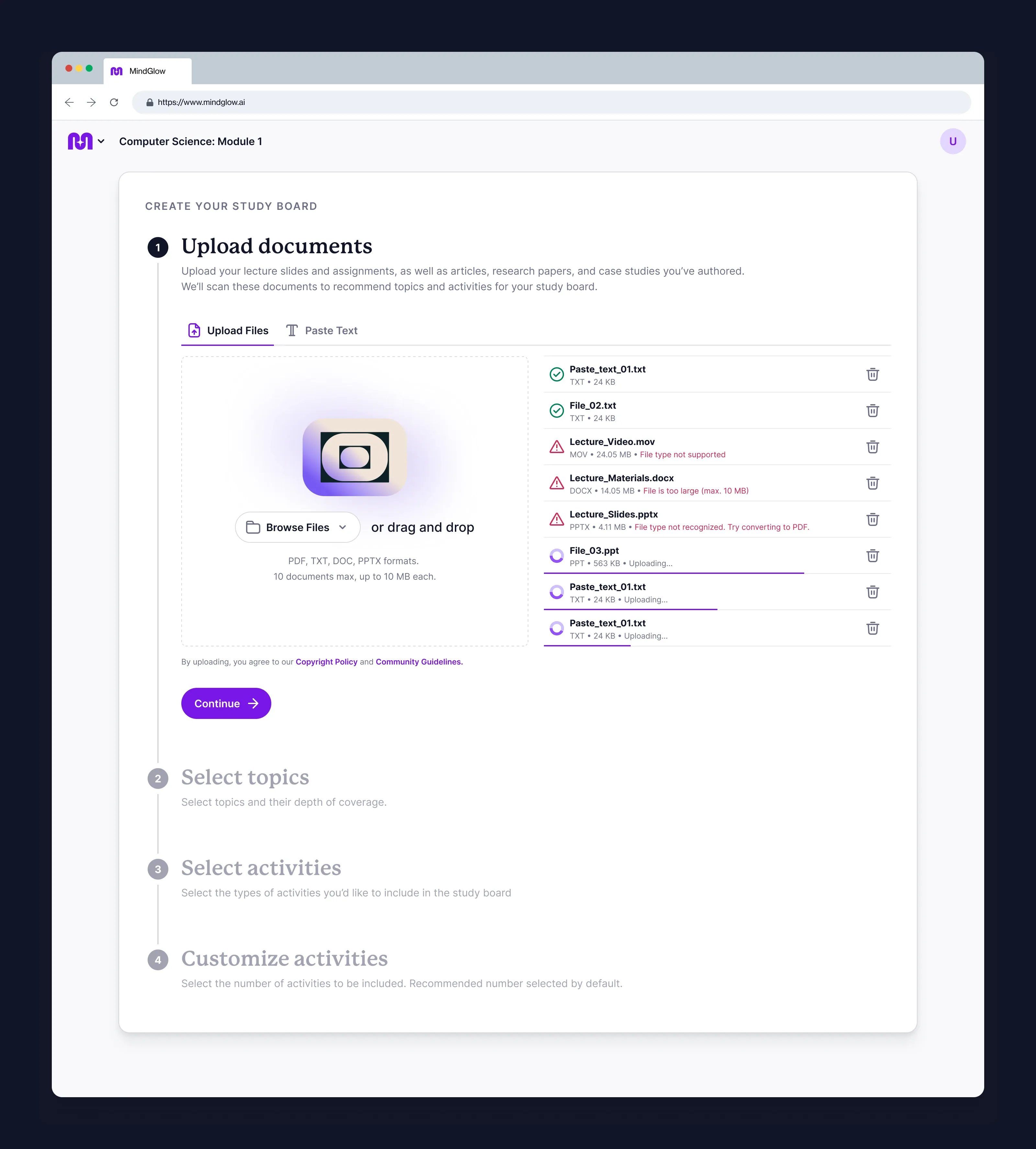
Built around the workflow. We designed the product around how teachers actually plan a course. It covers choosing the standards, setting a proficiency scale, building a plan, and generating the materials.
Aligned to the standards. Every assessment is generated against a specific Common Core, state or district standard. The teacher can see and print exactly which standard each question covers.
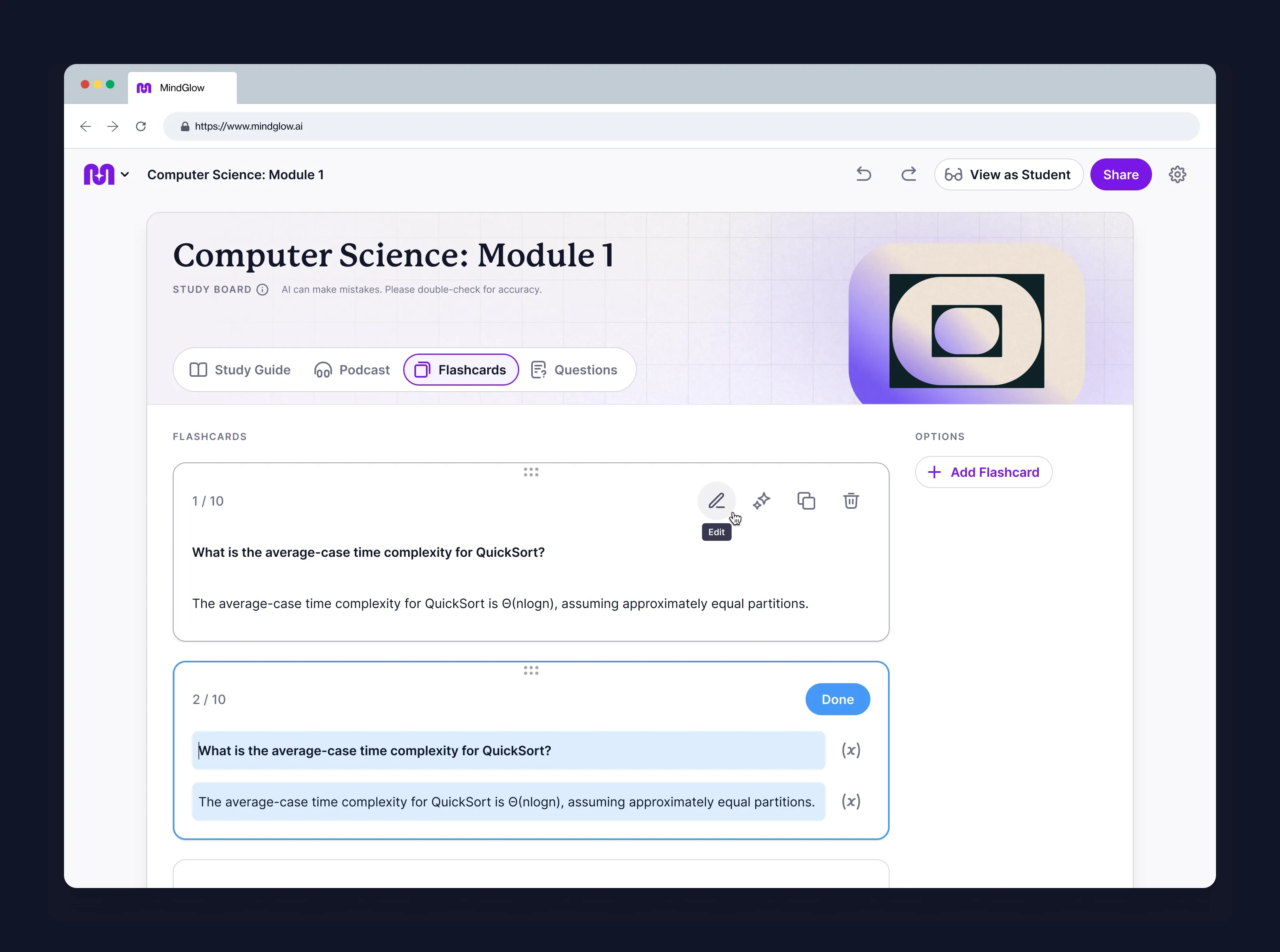
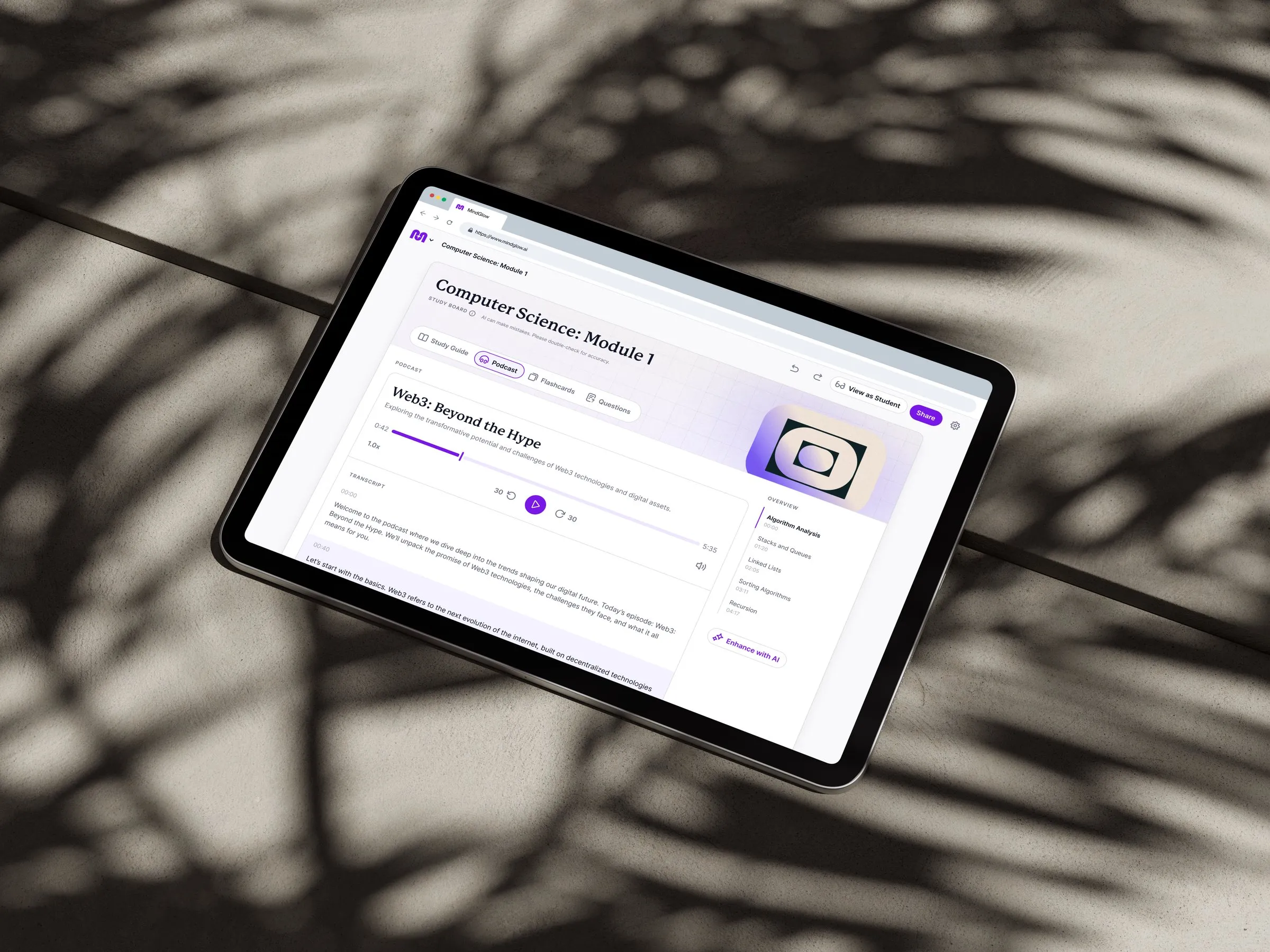
Engaging, not flat text. Materials come in varied formats such as study guides, flashcards, short podcasts, practice tests, and mock exams, with diagrams and illustrations where they help to describe a concept.
One source, many versions. A single assessment can be regenerated at a different reading level, in a different language, or in a different format and length without being rebuilt from scratch.
Educator in control. Teachers check, edit, and approve everything before it reaches a student.
Solution: build the product around the way teachers already plan a course.
As part of the team, I built and tested multiple interactive prototypes with users, using feedback to refine key interactions and usability. I closely worked with engineers to translate designs into production-ready UI.